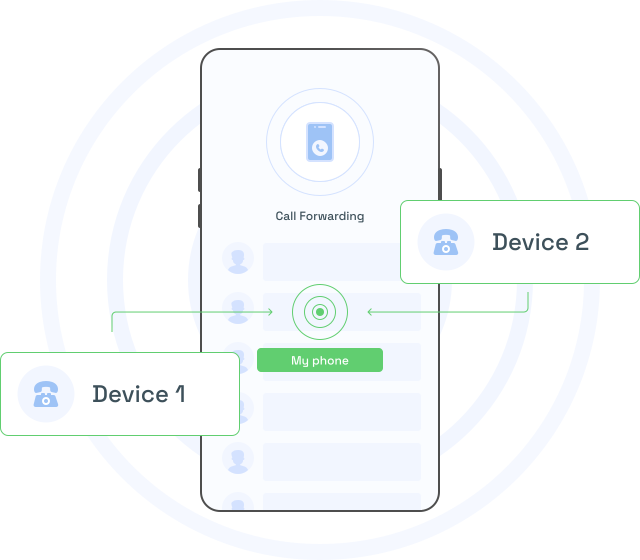
Stay Connected Anywhere
Call Forward to Mobile
During closing hours, choose to forward callers to the duty manager’s mobile or a separate office in a different time-zone.
NEW FEATURE: NUACOM AI - Call Transcription | Emotion & Sentiment | Key Points | Call Summary | Talk Time Indicator. Learn more
During closing hours, choose to forward callers to the duty manager’s mobile or a separate office in a different time-zone.
For professionals constantly on the move, missing important calls can lead to lost opportunities and hinder productivity. With Nuacom’s Call Forward to Mobile feature, incoming calls are seamlessly redirected from your office phone system to your mobile device. Whether you’re working remotely, traveling, or simply away from your desk, this functionality ensures you remain accessible and responsive to customers, colleagues, or clients. It’s a reliable solution for maintaining uninterrupted communication, no matter your location.
Eliminate Missed Calls and Enhance Productivity
Missed calls often mean missed business, but Call Forward to Mobile removes that risk. By ensuring calls are automatically forwarded to your preferred device, you can promptly handle urgent inquiries and maintain strong customer relationships. This feature consolidates your communications into one device, streamlining call management and reducing the need to juggle multiple systems. With Nuacom, staying connected has never been more convenient, helping you maintain productivity and deliver exceptional service, even on the go.

Call transcription is a helpful communication tool that allows businesses to capture, store, and review conversations by automatically converting spoken dialogue into accurate, searchable text files.

IVR is a flexible call-routing system that enables businesses to automate inbound calls, directing customers to the appropriate departments using voice prompts and touch-tone inputs.

Voicemail-to-email is a versatile communication tool that allows businesses to receive, store, and manage voicemail messages by automatically sending them to email inboxes as audio files.
Call Forward to Mobile is a feature that allows users to automatically redirect incoming calls from their Nuacom phone system to their mobile phone. When activated, calls are seamlessly transferred to your mobile device, ensuring you can receive and answer business calls even when you’re away from your desk or office. This is particularly useful for professionals who are on the move or working remotely.
This feature is ideal for anyone who needs to stay accessible outside the office, including remote workers, traveling sales teams, field agents, or business owners who are frequently away from their desk. It ensures you don’t miss important calls, allowing you to remain connected to clients, customers, and colleagues, no matter where you are.
Yes, users can easily manage the activation and deactivation of this feature. It can be turned on or off as needed, giving you full control over when calls should be forwarded to your mobile. This flexibility ensures that you can use it only when it’s necessary, like when you’re out of the office or on the go.
No, when using Call Forward to Mobile, the caller will still see your office or business number, not your personal mobile number. This keeps your personal contact information private while ensuring your business calls are always handled professionally.
By ensuring that important calls are never missed, this feature enhances your responsiveness and reduces the risk of lost opportunities. It consolidates your communications into a single device, making it easier to manage calls without needing to juggle multiple phone systems. This leads to faster response times, improved customer satisfaction, and overall better communication across teams and clients.


Curious about our latest updates? Register for our newsletter and become part of our community.