
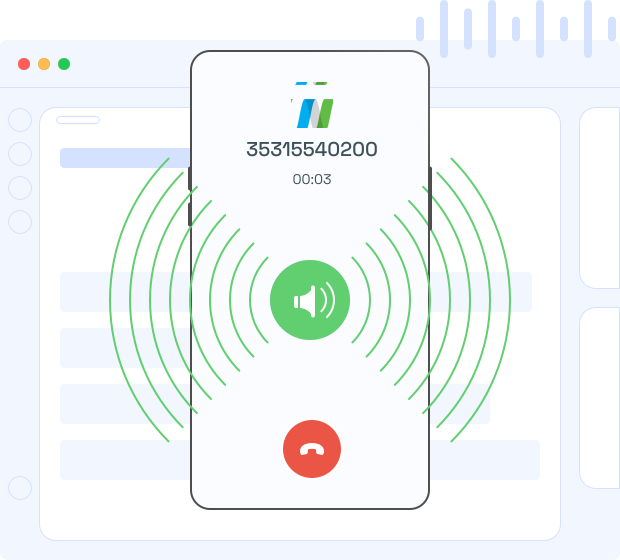
Never Miss a Call
Ring on Speaker
Allow incoming calls to ring on speaker, rather than the headsets, when your team members are away from their desks.
NEW FEATURE: NUACOM AI - Call Transcription | Emotion & Sentiment | Key Points | Call Summary | Talk Time Indicator. Learn more
Allow incoming calls to ring on speaker, rather than the headsets, when your team members are away from their desks.
Whether in an office setting, a bustling workspace, or a remote work environment, Ring on Speaker enhances communication efficiency and ensures that no important calls are missed. Users can confidently rely on this feature to stay connected and maintain effective communication with colleagues, clients, and customers.

Voicemail-to-email is a versatile communication tool that allows businesses to receive, store, and manage voicemail messages by automatically sending them to email inboxes as audio files.

Call recording is a vital tool for businesses that allows teams to capture, store, and analyze customer interactions, ensuring compliance and enhancing service quality through detailed reviews.

The instant call back widget is a smart lead engagement tool that allows businesses to instantly connect with website visitors by offering a quick callback feature.
Ring on Speaker is a setting that allows incoming call alerts to play audibly through the device’s speaker. Whether on a desk phone, computer, or another supported device, this feature helps ensure that users hear calls clearly, even if they’re not right next to the device or are busy with other tasks.
In environments where background noise might drown out standard ringtones, Ring on Speaker amplifies the ringtone through the device’s speaker, making it easier to hear. This is particularly useful for professionals working in loud offices or for those frequently stepping away from their desks, as it reduces the likelihood of missed calls.
Ring on Speaker is available on compatible devices within NUACOM’s system, including desk phones, computers, and mobile devices with supported applications. Users can check device settings or consult their administrator to confirm compatibility and enable this feature for a more accessible ringtone.
To activate or deactivate Ring on Speaker, navigate to your device or app settings under the sound or call notification section. Here, users can select the Ring on Speaker option, allowing calls to be audibly alerted through the speaker. This setting can be easily toggled based on personal preference or environment.
Yes, Ring on Speaker can be particularly beneficial for individuals with hearing difficulties, as it provides a louder, clearer alert for incoming calls. By amplifying the ringtone, it ensures that calls are more noticeable, helping users respond promptly and effectively without missing important communications.


Curious about our latest updates? Register for our newsletter and become part of our community.